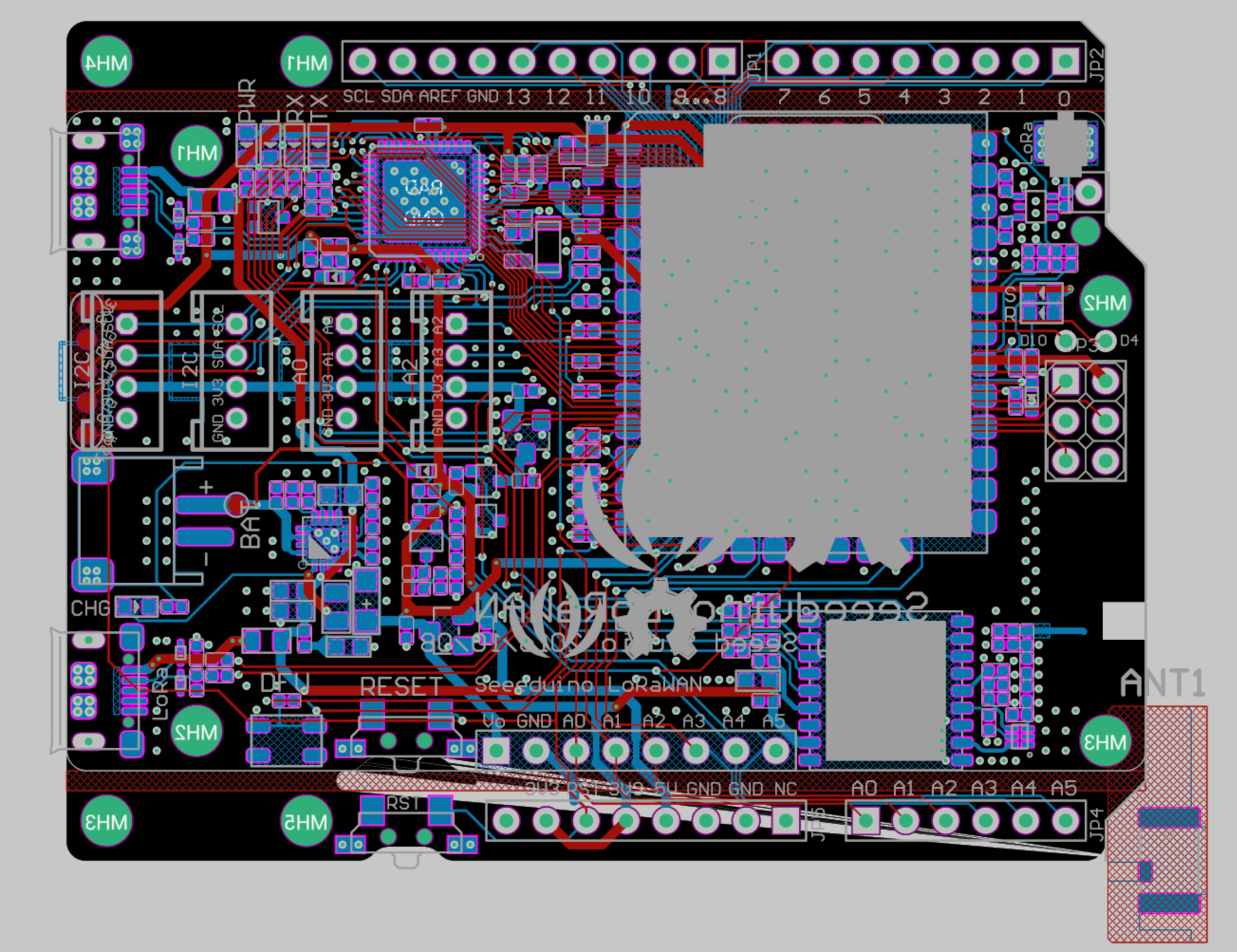
Board Layout
Physical layout of the Seeeduino LoRaWAN.
Finding the Ports
Connecting your sensors incorrectly will result in 'NaN' data outputs. Locate the correct ports by looking closely at the small white silkscreen text printed directly onto the black PCB next to each white Grove connector.
Look for the white text A0. This port reads varying voltages directly (e.g. Light or Temperature sensors).
Look for the white text A2. Functions exactly the same as A0, providing a second analog channel.
Look for the white text D2. This port handles simple ON/OFF signals (like the Button) or complex digital timing protocols (like the DHT11 sensor).
Often marked as I2C. Both I2C ports map to the same internal data bus. Ideal for complex digital sensors like the 3-axis accelerometer.